An FAQ is a frequently asked question. An FAQ page collects recurring questions and answers in one place so readers can find a rule, make a decision, or complete a short task. Each entry gives readers enough information to act or tells them where to get help.
Start with the questions readers actually ask
Look for recurring tasks
Review support tickets, help-center search terms, and questions that come up in calls or chats. Strip out personal details and keep a few examples of how people describe the same problem. Tally questions by task. A cluster of messages about changing a date may reveal a missing FAQ, a hard-to-find setting, or both. Check the page where the task starts before deciding what to add.
Group questions by what readers are trying to do
Use headings such as Make a booking, Change a booking, and Prepare for your visit. Put the questions people need first at the top of each group. Give each answer one home and link to it from other places where readers might look. On a long page, provide links that jump to each group.
Write one clear question at a time
Use words that appear in support requests and the service itself. How do I change my workshop date? names an action that How do scheduling adjustments work? leaves vague. Give two tasks separate questions when they have different answers. First-person questions such as How do I…? pair naturally with answers that address the reader as you.
Put the answer in the first sentence
- Answer the question. State the rule, the location, or the first action. If a condition changes the answer, include it right away.
- Give the next step. Name the page or control to use. Put steps in order if the reader needs to complete them in sequence.
- Explain the fallback when there is one. Tell readers what to do if the rule excludes them or they cannot complete the step.
Copyable template for a conditional answer. Yes, if [condition]. To [complete the task], [name the first action]. If [exception], [give an available next step].
Fictional workshop rules. Attendees can show their confirmation email on a phone. They can change their date in My bookings if the new session has space and the current session is at least 24 hours away.
- Yes or no. Can I show my confirmation email on my phone? “Yes. You can show the email on your phone when you arrive.” If the answer is no, give any available alternative immediately.
- Conditional. Can I change my workshop date? “Yes, if your current session is at least 24 hours away and the new session has an open seat. To change the date, open My bookings. If your preferred session is full, check for another session with space.”
Rewrite a real support answer
Question. Where can I see my current and past New York Public Library loans?
Before, a sample draft. Information about borrowing and account activity is available online.
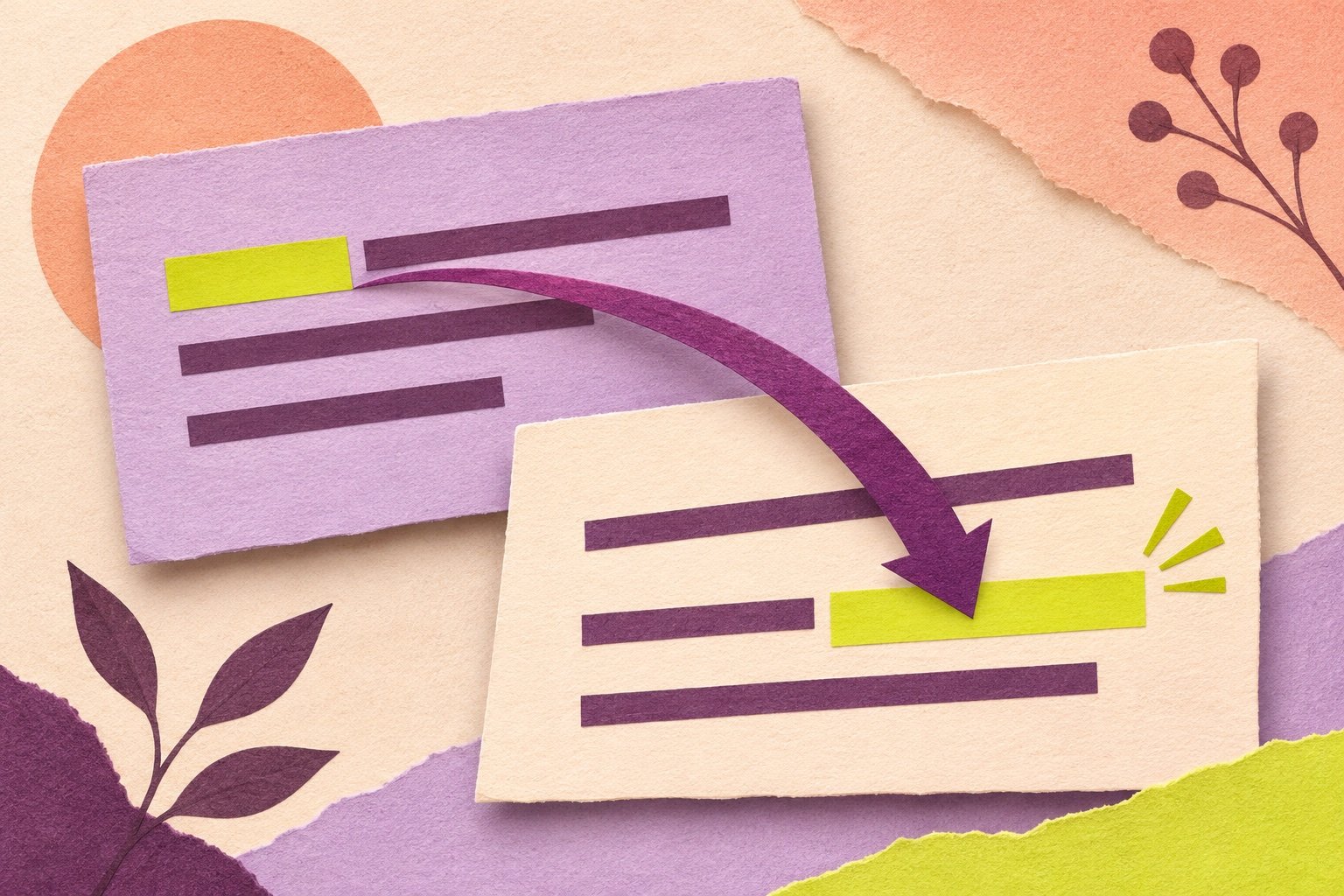
After. Sign in to your NYPL account to see the books you have checked out. Your library account does not show a history of books you returned on time. If you’re looking for a past e-book loan, check whether your e-book provider offers a reading history.
The revision puts the action first and distinguishes current checkouts from past loans. It also gives readers with past e-book loans a place to look. New York Public Library’s answer about current and past loans.
Edit for voice, grammar, and precision
- Name who acts. You can change your date in My bookings tells readers who can make the change and where. Match names such as My bookings to the wording on the screen.
- Make pronouns easy to trace. If it could mean the booking or the confirmation email, name the one you mean.
- Keep both halves of a rule. In the workshop example, and means the deadline and the open-seat requirement both apply. Keep at least to show that exactly 24 hours qualifies.
- Cut words that add no instructions. To change your date, open My bookings replaces In order to make a change to your selected date, proceed to the My bookings page. Read the answer aloud to catch a missing word, then check deadlines, exceptions, and labels against the service.
Add visuals and links where readers need them
Use a visual to show what to look for
A cropped screenshot can show where a control sits on a crowded screen. Give an informative image a text alternative and put the essential instructions in the answer itself. If a diagram shows several possible paths, explain those paths in text as well. W3C guidance on text alternatives.
Name the destination or action
After the short answer, link to the form, policy, or longer guide the reader needs next. A link labeled See available workshop dates tells readers what will open. Check that the destination still matches the wording and that readers can access it. W3C guidance on meaningful link text.
Keep the answers current
Check the source and try the task
Give each answer an owner and record the policy or service it relies on, the last review date, and the next scheduled review. Recheck it when a rule or screen changes. Ask someone unfamiliar with the answer to follow it and tell you what they expect to happen. Test a common case and a boundary case, such as trying to change a workshop booking exactly 24 hours before it starts.
Use feedback to decide what to fix
Record the date of an edit. Compare the number of support contacts about that question before and after the change over similar periods, and check whether overall demand changed. Read comments and look for searches that return no useful result. If readers keep asking the same follow-up, test whether the answer omits a step or whether the service itself gets in their way.
Try six FAQ edits
Use the fictional workshop rules above for the first four edits.
- Rewrite the heading Workshop arrival instructions as a question about what to show at check-in.
- Answer Do I have to print my confirmation email? in two short sentences.
- Revise Yes, you can move your booking if the new session has space. Add the missing deadline and tell the reader where to go.
- Revise When you open your confirmation email on your phone, show it when you arrive. Name what the attendee should show and use one sentence.
- Replace Learn more with descriptive link text for a page listing available workshop dates.
- After publishing the revised answer about changing dates, you still see questions about where to make the change. What would you check first?
Show answers and explanations
- What should I show when I arrive for my workshop? The question tells the reader which part of the arrival process the answer covers.
- No. You can show your confirmation email on your phone. The opening answers the yes-or-no question, and the second sentence gives an alternative.
- Yes, if your current session is at least 24 hours away and the new session has space. To change your date, open My bookings. Both conditions appear together, followed by the next action.
- When you arrive, you can show your confirmation email on your phone. The object of show is explicit, and the opening phrase tells the reader when to act.
- See available workshop dates. The link text describes the destination even when read on its own.
- Check whether a reader can find and open My bookings from the answer. Follow the same path the reader would take. Use the repeated questions to find where the wording or navigation breaks down.
Related writing guides
- Make the labels and messages in the service as clear as the help around it. Grammar in UX Writing for Buttons, Forms, and Messages.
- Write procedures for tasks that need a full set of instructions. How to Write Clear Product Manuals.
- Check facts, links, wording, and layout before an answer goes live. The Art of Proofreading in Three Passes.